Aegis Blocker: Block the distraction, not the whole internet.
A strict, private and 100% local website blocker for deep work, for Chrome, Edge, Brave and other Chromium browsers.
It has no server, no account, no analytics and no remote code. Everything stays in your browser.
- Version
- 2.0.1
- License
- MIT
- Built on
- Manifest V3
- Browsers
- Chromium
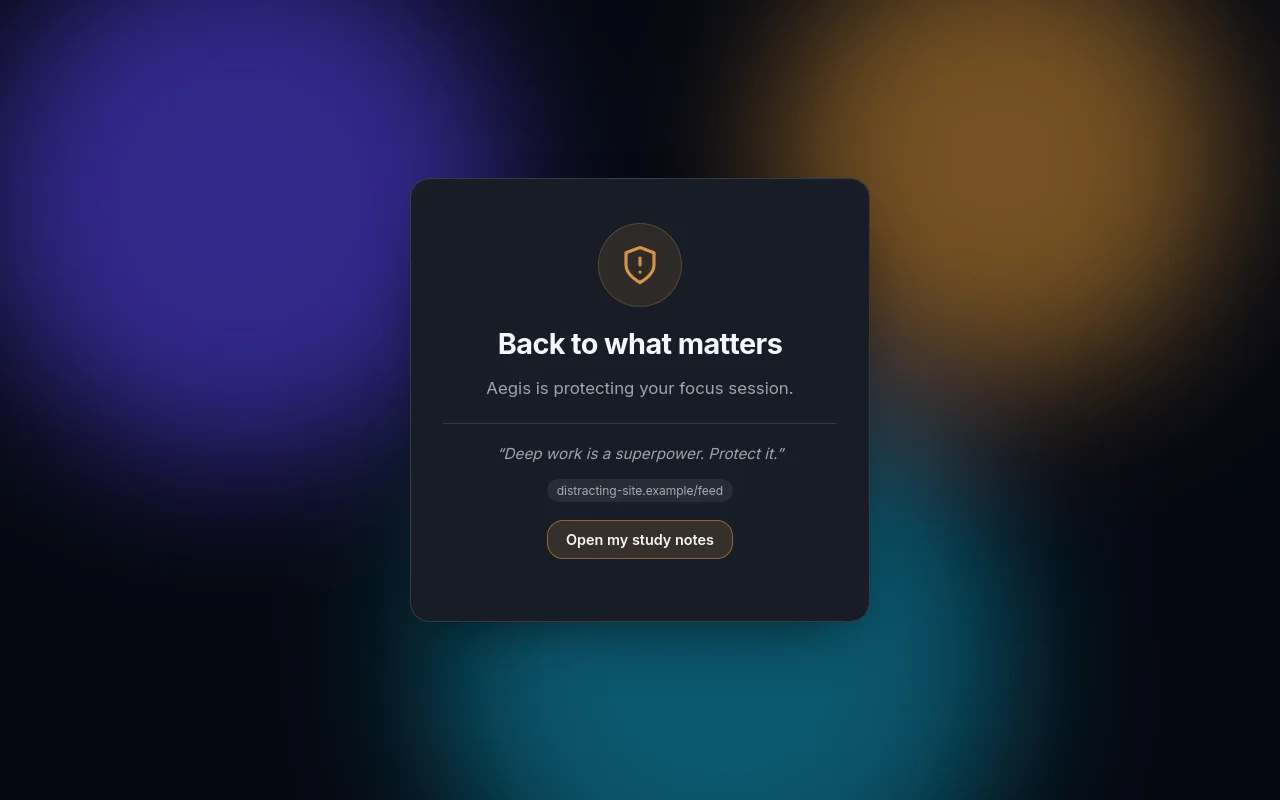
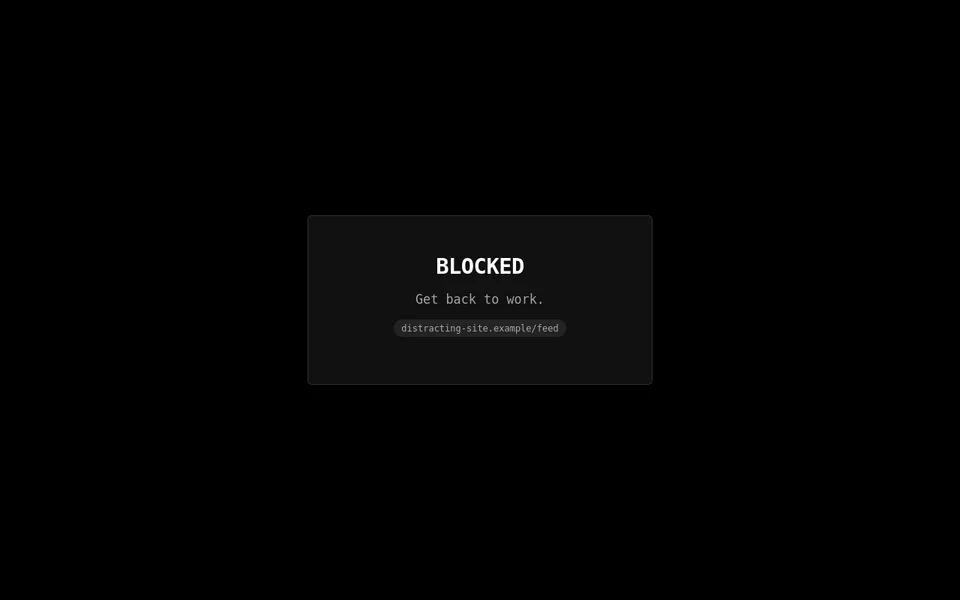
The block page, in its default theme
Block exactly what pulls you away.
Type anything in the box and Aegis detects what it is. Whole sites, single pages, words and patterns can be blocked, and the useful parts of the internet stay open.
A whole site
The site and all its subdomains. A look-alike address is not touched.
You type
reddit.com- Blockedold.reddit.com/r/a
- Opennotreddit.com
A page or a section
Only that section, and it respects where a path segment ends: /r/memesstudy is not /r/memes.
You type
reddit.com/r/memes- Blockedreddit.com/r/memes/comments/1
- Openreddit.com/r/memestudy
- Openreddit.com/r/programming
A word
Any address, or page title, that contains the words, including search queries.
You type
cat videos- Blockedgoogle.com/search?q=Cat+Videos
- Openx.com/dogs
A regular expression
Matched against the whole address, whatever the case. Validated as RE2 and guarded against runaway patterns.
You type
/(shorts|reels)(/|$)/- Blockedyoutube.com/SHORTS/abc
- Openyoutube.com/watch
What a blocker needs besides rules.
Allow rules beat block rules, rules can follow your hours, and a tab that is already open is caught as soon as a rule changes.
Always-allow exceptions
Allow rules beat block rules: block reddit.com and keep reddit.com/r/programming open.
Schedules
Block only on weekdays 09:00–17:00, overnight windows included.
Quick packs
One click for social networks, short videos, streaming, chat, news, games, shopping or memes. Any rule can be edited or removed afterwards.
Single-page apps
In-site navigation, such as YouTube to Shorts, is blocked too, and open tabs are swept immediately.
Password protection
Optional. PBKDF2-SHA256 with 600,000 iterations, brute-force throttling and a one-time recovery code that never works during Absolute Mode.
Import and export
A JSON backup, validated on the way in. Imports from Aegis 1.x work too.
Five languages
The interface comes in English, Português, Español, Deutsch and 简体中文.
Private windows
Enable Allow in Incognito in the extension’s details, and private windows are covered too.
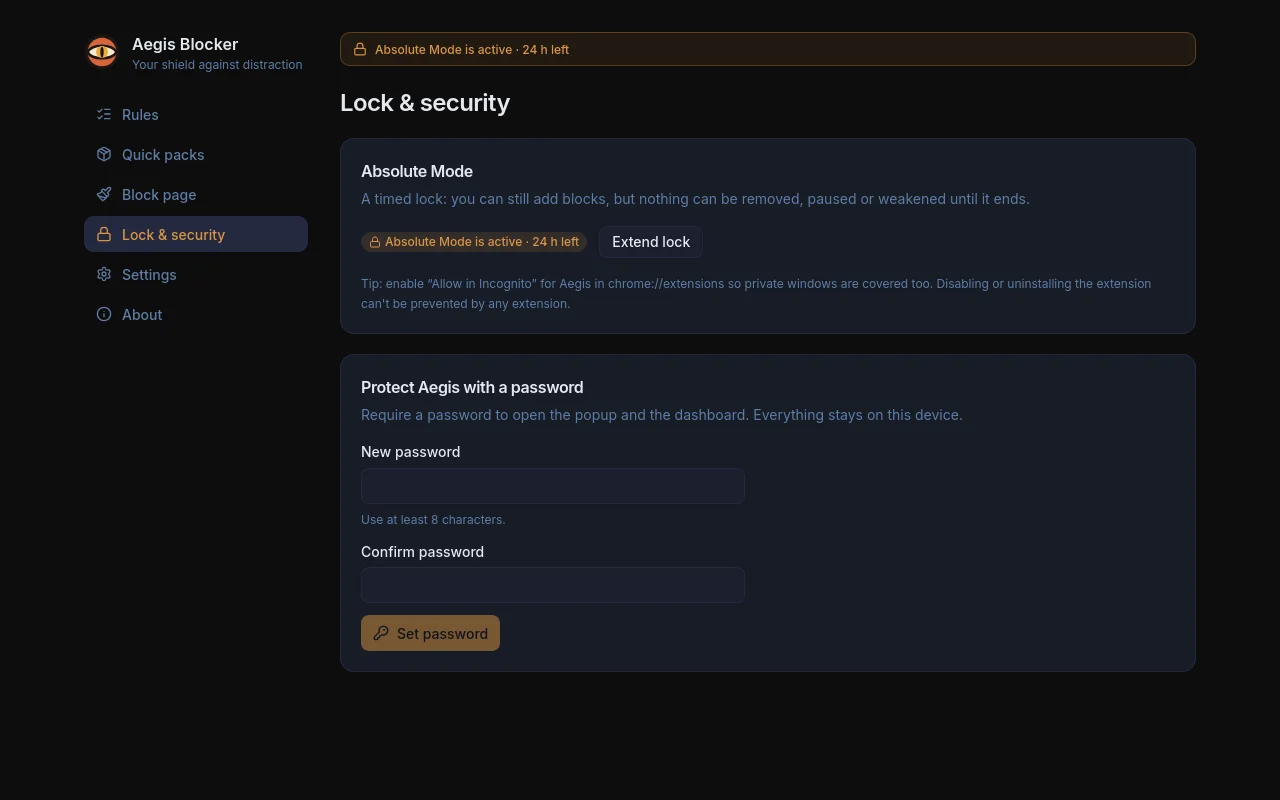
A lock that holds until it ends.
Absolute Mode is a timed lock. It is enforced in the background service worker, and any change made to the storage during the lock is reverted.
During the lock you can
- Add new blocks.
- Extend the lock.
Until it ends you cannot
- Remove a rule.
- Pause blocking.
- Weaken a rule.
- Use the recovery code.
Aegis is a self-control tool, not protection against a determined owner. Anyone can disable or remove an extension in chrome://extensions, and no extension can prevent that. Absolute Mode raises the bar for impulsive decisions, not for sabotage.
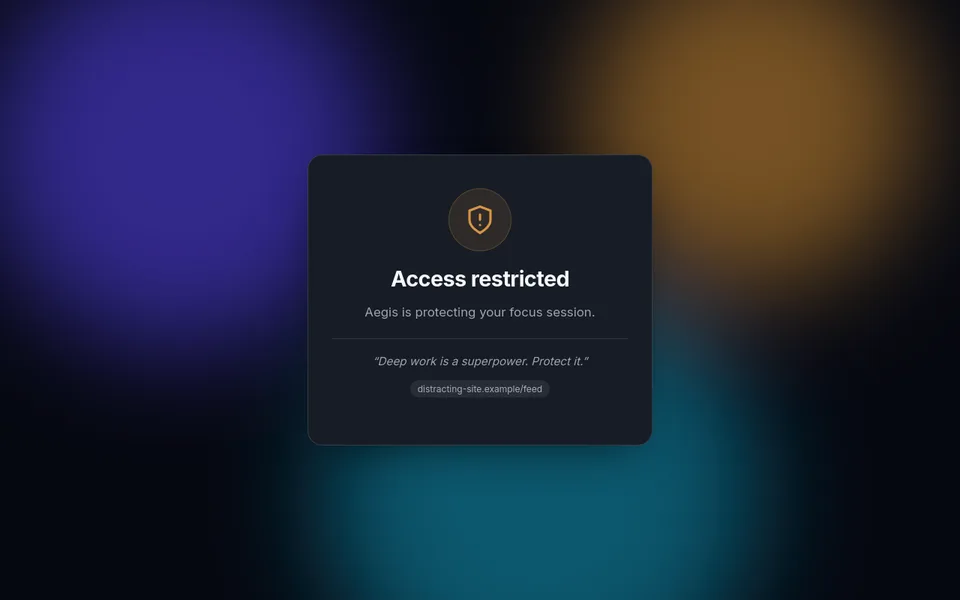
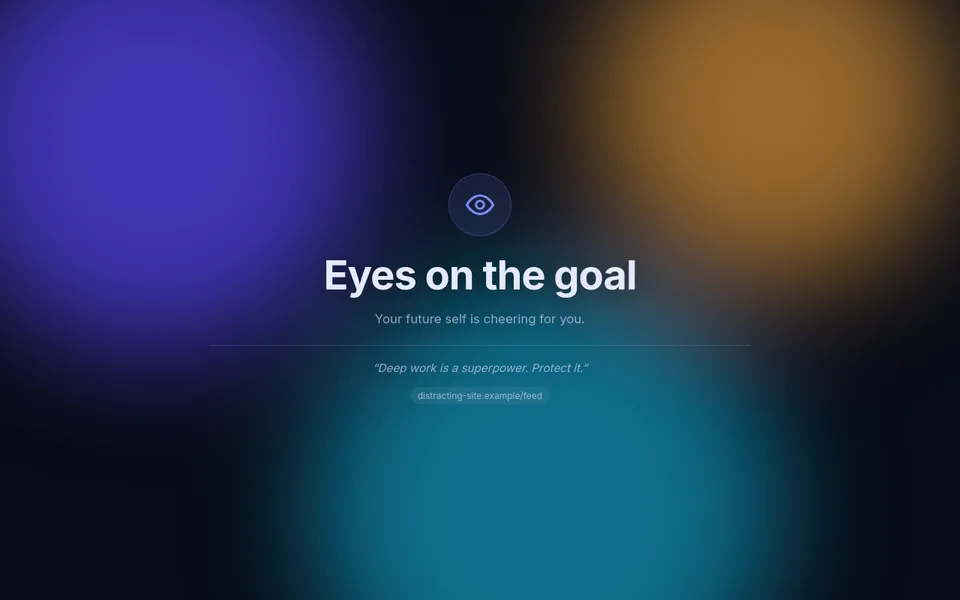
A block page that is yours.
What you see instead of the page is set by you: how it looks, what it says, where it can send you and how long it makes you wait.
- Themes, colors, shapes, icons and fonts.
- Three layouts: a card, centered, or split.
- Your own image or video as the background, stored locally.
- Your own quotes, which can rotate.
- Link buttons, such as your notes, your course or your calendar.
- An automatic redirect.
- An optional temptation delay: a deliberate, timed pause.
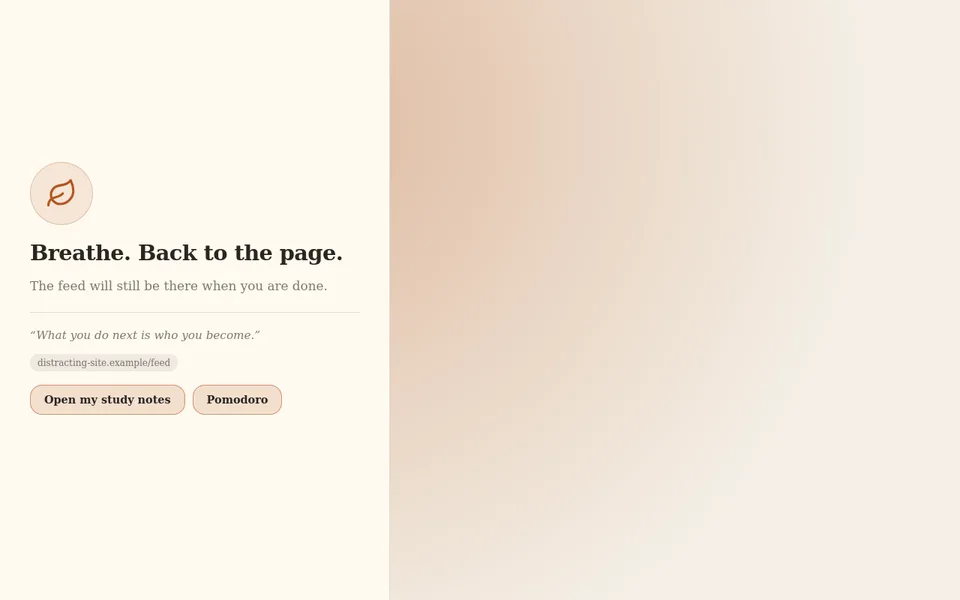
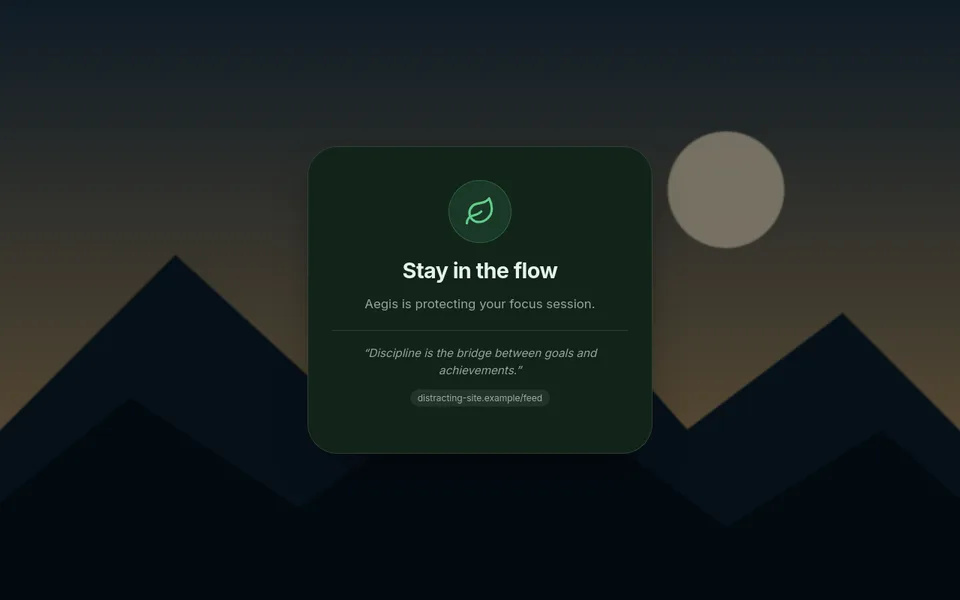
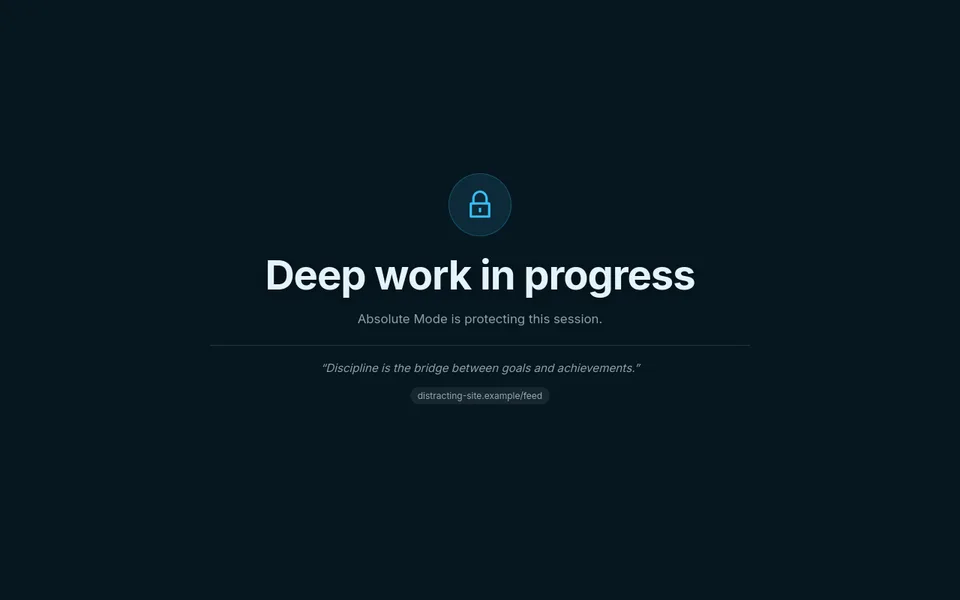
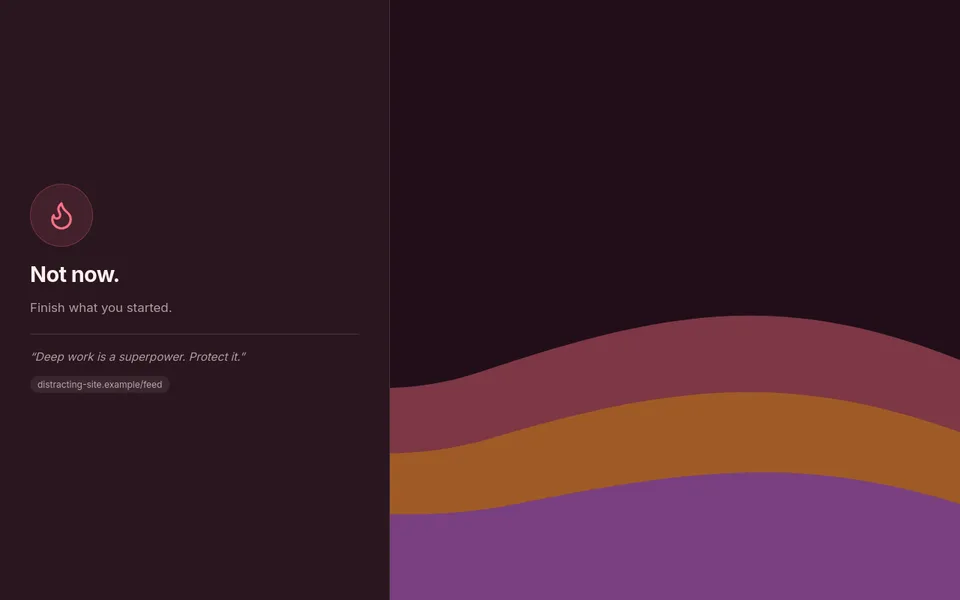
Built so that being compromised is boring.
There is nothing to send and nowhere to send it. What Aegis knows stays in the browser that runs it.
No network access at all
Its pages are forbidden from making requests, run no inline scripts and load no remote code. The media and links of a block page are never fetched by Aegis.
Minimal permissions
No tabs permission and no content scripts: Aegis never reads page content, only the address, and the title, of pages it may block.
Local data only
Everything lives in the browser’s local storage and is never synced to your Google account. Data that Aegis 1.x kept in sync storage is migrated and wiped.
One validated gate
The service worker is the only writer. Every request is schema-validated, sender-checked and lock-checked, and imports and stored data are sanitised again when read.
Hardened passwords
PBKDF2-SHA256, a salt for each user, constant-time comparison and exponential back-off.
What it asks the browser for
- declarativeNetRequest
- Redirects navigations that match your rules to the block page.
- storage
- Saves your rules, settings and block page locally on the device.
- alarms
- Re-evaluates schedules, ends the Absolute Mode timer and expires temporary unblocks.
- http://*/* https://*/*
- Required by the browser to redirect matching navigations and to read the address of open tabs. No page content is read and no script is injected.
Content security policy of its pages
default-src 'self'connect-src 'none'
What a website can learn
Word and regex rules can be probed: a website can find out which words or patterns you block by testing guesses against them, but not which sites or pages. Prefer a site or page rule for anything private.
Add it from the Chrome Web Store.
Aegis needs Chrome 120 or newer, or another Chromium browser that supports Manifest V3. Building it from source is there for anyone who wants to.
Web Store
Aegis is published on the Chrome Web Store, and that is the way to install it. Add it to your browser, then open its details and enable Allow in Incognito so private windows are covered too.
Updates come through the browser.
Build it yourself
Aegis is open source, so you can also build it yourself. Build it, then open chrome://extensions, enable Developer mode, click Load unpacked and select the dist folder. It needs Node.js 24 or newer and pnpm.
git clone https://github.com/ordreth/aegis-blocker.git
cd aegis-blocker
pnpm install --frozen-lockfile
pnpm build
Finally open the extension’s details and enable Allow in Incognito.
Aegis Blocker’s own documents.
These pages are copies of the documents in Aegis’s repository, so they read the same here and there.
Start
Reference
Project
2.0.1 · MIT
Open source under the MIT license, and local to your browser. A problem with it is welcome as an issue; a security problem is reported privately.